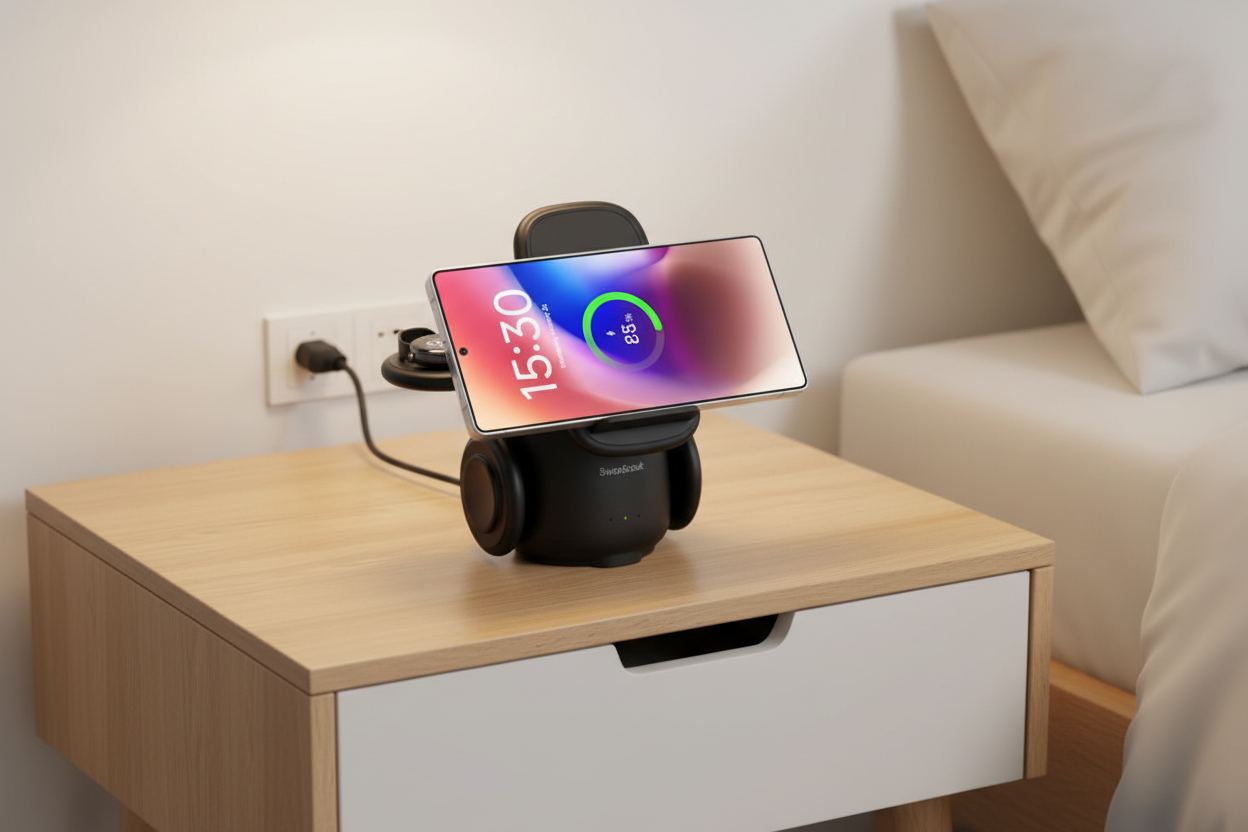
You finally got the Galaxy S25. Maybe the Watch7 too. And somewhere in your bag, the Buds are running low. Now you’re staring at three different chargers fighting for one outlet on your nightstand.
That is the problem a good 3 in 1 wireless charging station for Samsung actually solves not just “convenience,” but the end of the nightly cable shuffle. At DSARD, we stock charging stations built for the full Samsung Galaxy family: phone, watch, and earbuds, all powered at once from a single, good-looking dock that actually fits your space.
Here’s what to look for and what we’d put on our own nightstands.d setup Samsung users actually want in 2026.
Samsung’s ecosystem is genuinely one of the best out there. The Galaxy Watch auto-tracks your sleep. The Buds connect the second you pull them out. The phone does everything. But charging that ecosystem? That’s still three separate moments of friction every evening.
A Samsung wireless charger for phone and watch designed specifically for this lineup handles a few things a generic charging pad can not:
There is no shortage of cheap three-pad charging mats on the internet. Most of them charge slowly, run hot, and look like an afterthought on your nightstand. Here’s what separates a good station from a forgettable one.
The Galaxy S25 supports 15W fast wireless charging. If your dock does not specify 15W output on the phone pad, you are probably getting 7.5W or less which means your phone is only halfway charged by morning.
Look for stations that list fast wireless charging dock Samsung Galaxy S25 compatibility explicitly, not just “Qi compatible.” Qi is the standard, but the wattage matters.
Most charging stations are designed for a desk. They are wide, flat, and covered in branding. A Samsung wireless charging station for nightstand should be vertical or compact, something that takes up the same footprint as a glass of water, not a laptop.
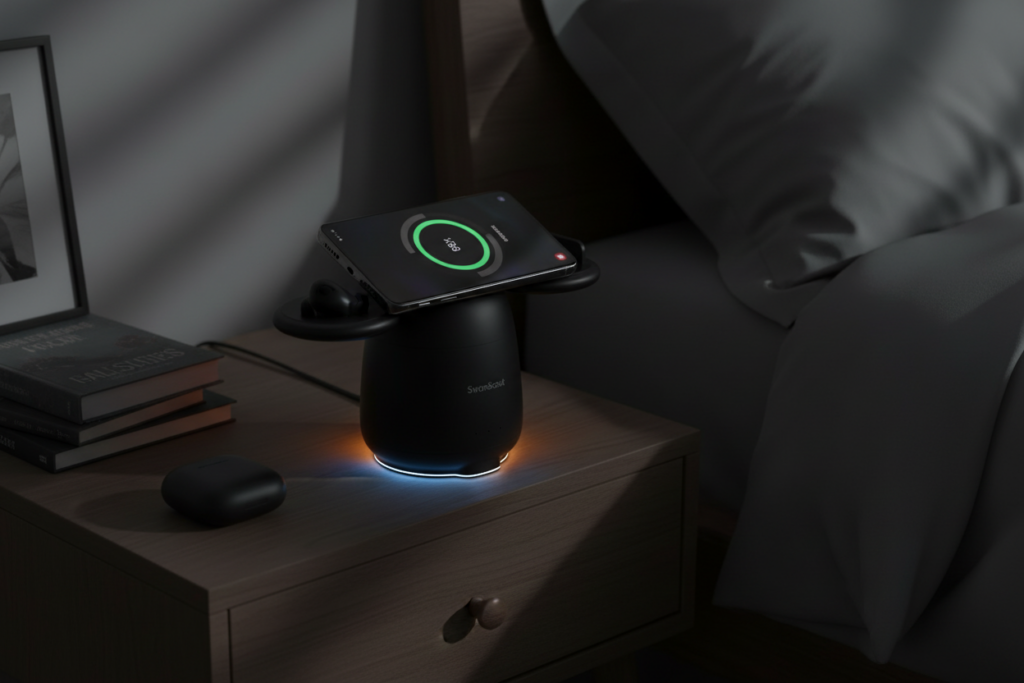
Compact, upright charging stations keep the nightstand clear and the RGB glow doubles as a subtle night light.
A Samsung wireless charging station with RGB light is not just aesthetic. The glow confirms your devices are seated and charging no more, picking up the phone at 2am to check. A soft amber or blue glow also works as a low-level night light without being harsh enough to disrupt sleep.
This is the station for people who are fully in the Samsung ecosystem. The phone pad sits at a slight angle so you can glance at notifications without picking it up. The watch puck is recessed to hold the Galaxy Watch band without it sliding off the edge. And the Buds zone is raised just enough to keep the case from wandering.
It handles wireless charging for Samsung Galaxy Z Flip and Galaxy Z Fold too both fold flat onto the pad when open, so you are not limited to the standard slab phones.
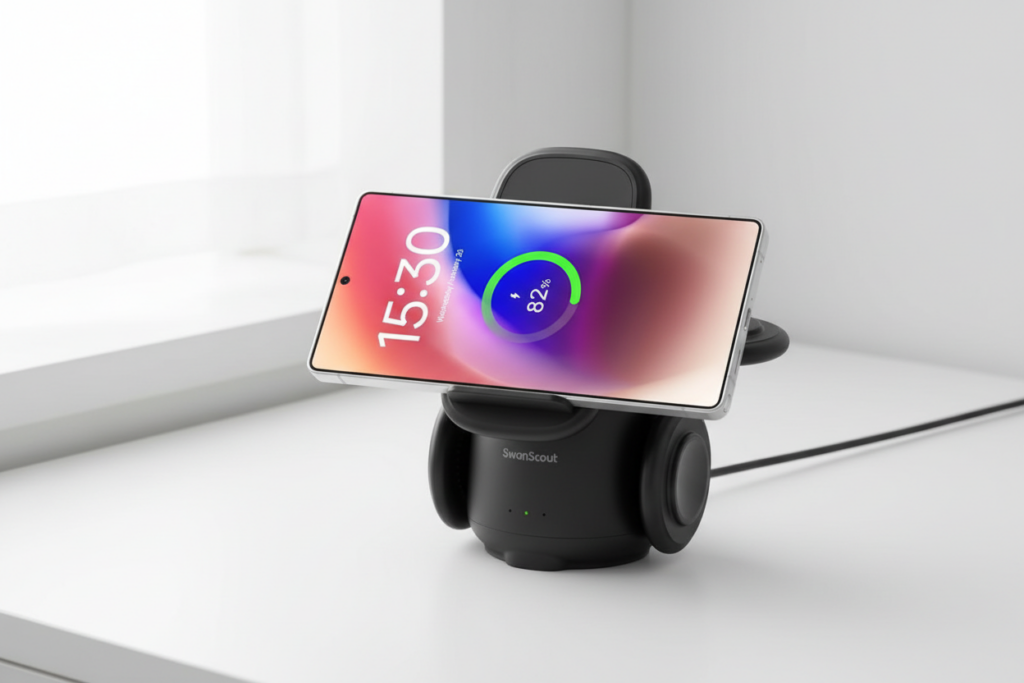
The Z Fold and Z Flip both charge flat with no awkward propping required. This dock was built for the full Galaxy lineup.
If the nightstand is handled, the desk is the next problem. A good Samsung wireless charging pad for a desk is wide enough for the phone in landscape (useful for video calls) and slim enough that it does not eat your workspace. The ones we carry at DSARD have a matte finish that does not show fingerprints, but it matters when it is sitting in front of you all day.
The Galaxy Watch is probably the most finicky device to charge wirelessly, purely because the puck alignment is unforgiving. If the watch is even slightly off-center on a generic pad, it would not charge.
A dedicated wireless charging station for Samsung Galaxy Watch uses a magnetic or recessed charging puck the watch clicks into place and stays there. Some stations even feature a small LED ring around the watch puck that glows when charging is confirmed.
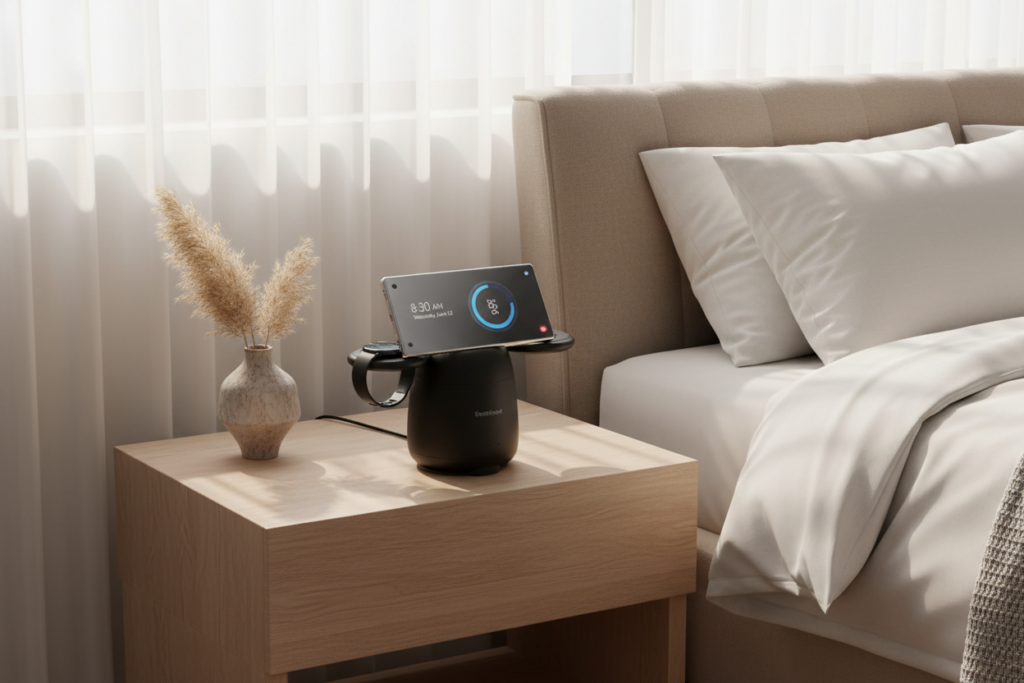
The whole Samsung family powered up by morning without touching a single cable the night before.
Pair this with a station that also handles wireless charger Samsung Galaxy phone and buds, and your entire nightly routine becomes: put things down, walk away.
Compatibility checklist for Samsung multi-device chargers:
DSARD carries the full range from compact single-device pads to full multi-device wireless chargers for Samsung that handle phone, watch, and buds simultaneously. If you are not sure which one fits your setup, the product pages list device compatibility and wattage specs clearly.
The best 3 in 1 wireless charging station for Samsung is not the most expensive one, it’s the one designed specifically for how Samsung devices charge. That means a proper watch puck, a stable Buds zone, and a phone pad that actually pushes 15W.
Pick a station that fits your space (nightstand or desk), confirms it supports your specific Galaxy Watch model, and looks good enough that you actually want it on display. Your nightstand should not be a tangle of cables. And with the right dock, it would not be.
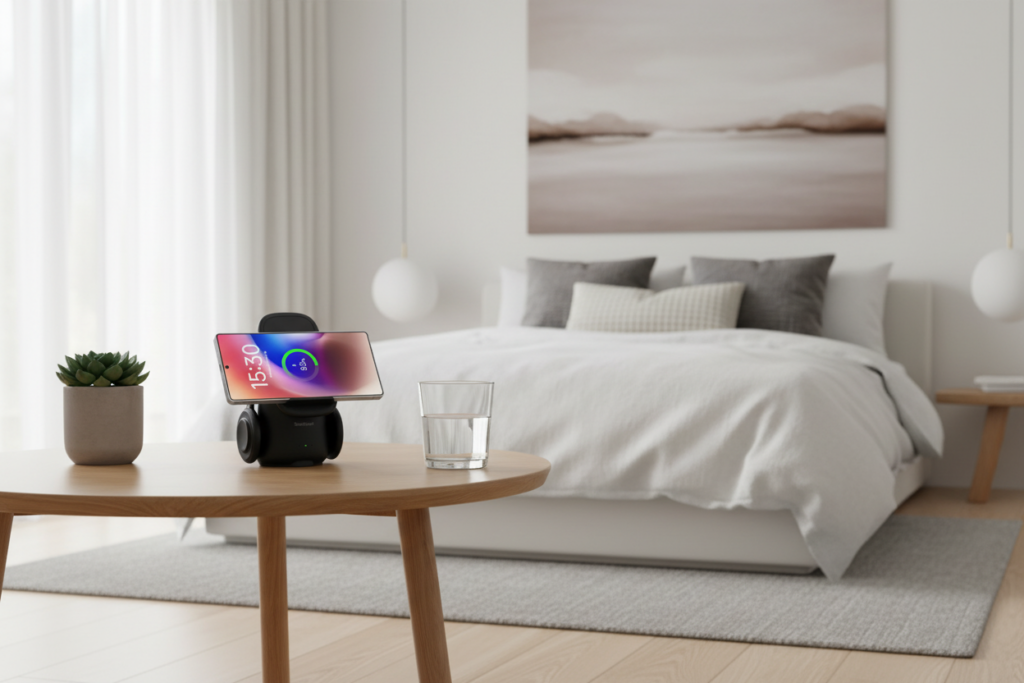
Premium charging that fits the room, not just the phone. Explore DSARD’s full collection of wireless charging stations.
FAQs:
Q: Does a 3 in 1 wireless charging station work with all Samsung Galaxy Watch models?
A: Not all. Galaxy Watch 4 and newer charge wirelessly, but coil position matters look for a dedicated watch puck, not just a flat pad. Older models like Watch Active and Watch 3 also support wireless charging; check your model against the product specs.
Q: Will my Galaxy Buds charge on a wireless charging station?
A: Yes, if your model supports it. Buds2, Buds2 Pro, Buds3, and Buds3 Pro all do. The original 2019 Galaxy Buds do not have a charging coil on the case meaning wired-only.
Q: What’s the difference between a charging pad and a charging station?
A: A pad charges one device at a time. A station has separate zones for phone, watch, and buds simultaneously, no rotating devices, no waiting.
Q: Is overnight wireless charging safe for the Galaxy S25?
A: Yes. Samsung’s adaptive charging slows down at 100%. Just keep the station ventilated, do not bury it under a pillow.
Q: Do I need a special power adapter?
A: Usually yes. Multi-device stations need 25W–45W. An old 10W adapter will slow everything down. Check if one’s included if not, confirm the required wattage before buying separately.










Leave a comment